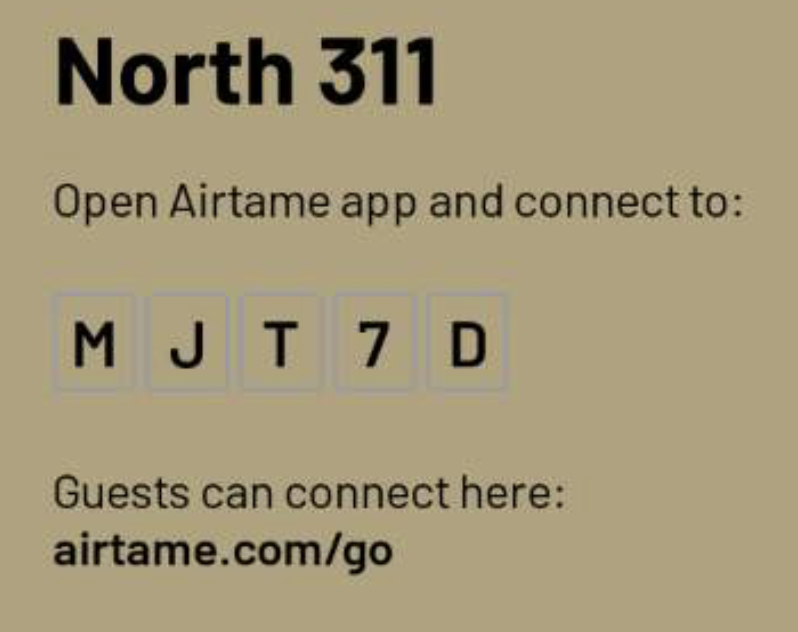
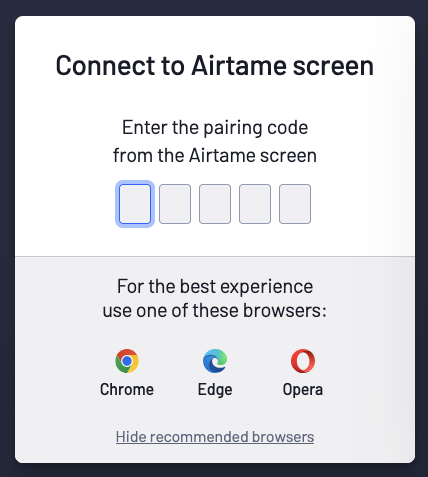
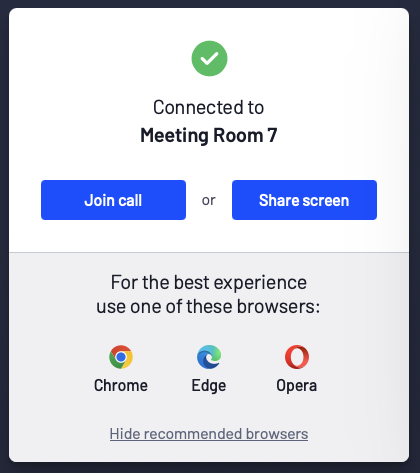
Open your Browser of choice and then to to https://airtame.com/go and type it into the prompt:
And then click Share Screen or if the room has a Camera, you can click Join Call.
The first time you try to share from a Browser on Mac, you will need to allow screen sharing for the Browser by going to
System Settings > Privacy & Security > Screen & System Audio Recording
and allowing the Browser you are using for sharing::